

Six Controls That Secure Your Print Fleet
December 1st, 2026
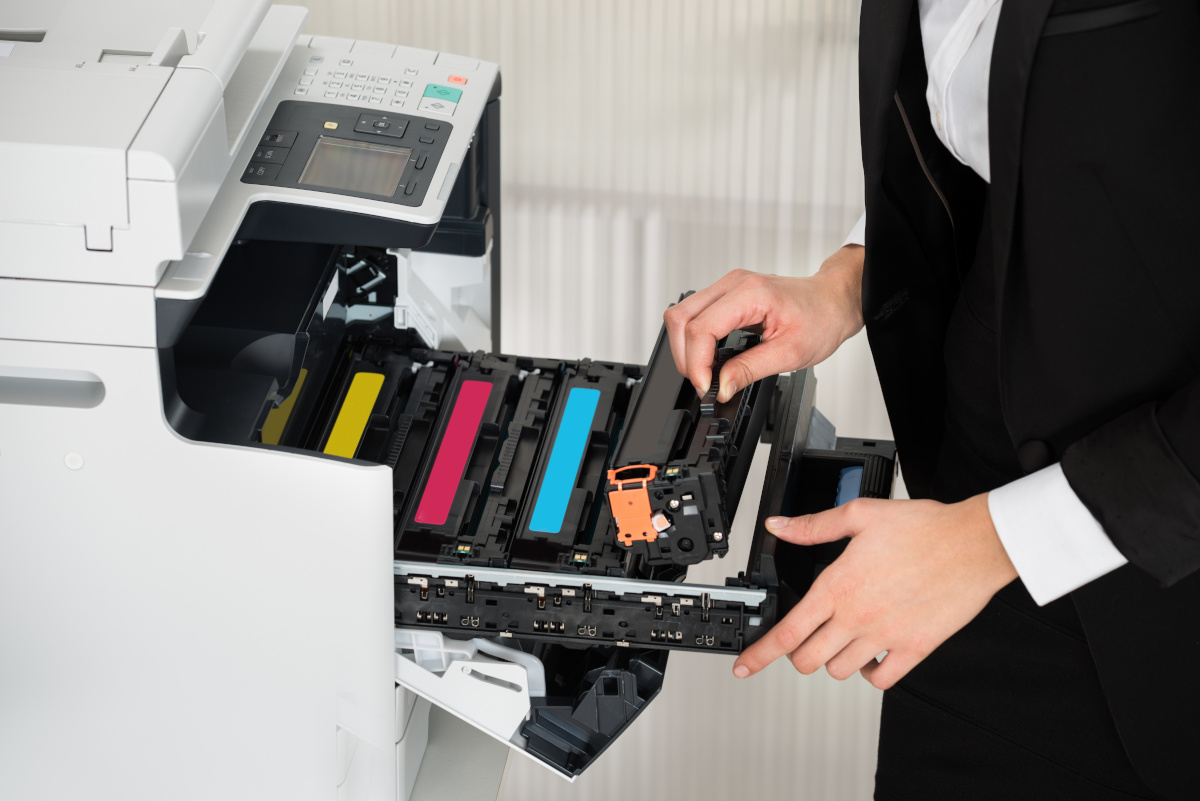
Why small businesses get hacked makes the case that the copier in the hallway is a networked computer with credentials, storage, and nobody assigned to patch it. This article is the other half of that one: what to actually do about it.
No set of controls makes a business unhackable, and anyone promising that is selling something else. These six carry the best ratio of effort to risk removed, and every one of them touches the printer. They are listed in the order worth tackling them - the first three close doors an attacker can simply walk through, and the last three limit what is left when something gets through anyway.
The Six Controls
1. MFA on Every Account the Printer Uses, and Every Console That Manages It
Microsoft's own research found that multifactor authentication can block more than 99.2 percent of account compromise attacks, which is why attackers spend their effort on the accounts that do not have it. In print terms that means the scan-to-email account, the scan-to-folder account, the directory bind account, the device's own administrator login, and any cloud print service. Use number matching or app-based push rather than text codes where the provider supports it - text codes fall to real-time phishing proxies that relay them as they are typed - and hardware keys for administrators and anyone who can move money. Then check the exceptions, because the one service account nobody wanted to reconfigure is the one that gets used.
2. A Patch Cycle That Includes Firmware
Start with an inventory that lists every multifunction printer and copier by model and firmware version, alongside the firewalls, switches, wireless access points, network storage, and phone system. Subscribe to each manufacturer's security advisories. Treat anything a vendor has flagged as actively exploited as the first thing patched, because attackers are already using it. Replace anything the manufacturer has stopped supporting; end-of-life equipment does not receive the fix that would have saved it.
3. Remote Access That Does Not Sit on the Internet
Nothing answering on port 3389 from outside, ever. No printer web console published to the internet. Remote work through a VPN or a zero-trust gateway with MFA in front of it, vendor access granted for a window and logged rather than left open indefinitely, and a review of every port forward on the firewall - including the ones from three employees ago and the one that exists so the copier can be serviced.
4. Monitoring, and Access Control at the Device
Signature-based antivirus recognizes malware it has seen before, and modern intrusions rarely arrive as a known file. The print fleet's version of access control is straightforward and it works: badge or PIN release, so a job prints only when its owner is standing at the machine. That stops the document left in the output tray and the job pulled from the queue by somebody else, and it turns the device into a place access is granted rather than assumed - the same principle behind secure print release in municipal offices. Route device logs - print, copy, scan, and authentication - somewhere they are actually watched, which is what proactive network monitoring means in practice. An alert that arrives at 2 a.m. and is read at 9 a.m. gave the attacker seven hours.
5. Backups That Are Tested, Versioned, and Offline
Ransomware operators look for backups early, because backups are what turn a ransom demand into an inconvenience. The 3-2-1 pattern still holds - three copies of the data, on two kinds of media, with one copy offline or immutable - and versioning matters as much as the copies, since an infected file synced to a connected backup is just an infected backup. For the print fleet that means exporting device configurations so a wiped machine can be rebuilt, and enabling drive encryption and the secure erase function on anything being retired or sent out for service. Then restore something real, on a schedule, and write down what happened. We covered the fuller version of this control in backup and disaster recovery.
6. Email Filtering and Domain Spoofing Protection
Phishing is a filtering problem before it is anything else. A mail gateway configured to block known-bad senders, attachments, and links stops most of it before an inbox ever sees it, and domain authentication - SPF, DKIM, and DMARC - keeps someone from sending mail that appears to come from your address. Skip that last part and an attacker can invoice your customers in your name, from your domain, with nothing to tip them off. Print-themed phishing deserves its own mention when you brief staff, since a fake toner or service notice looks unremarkable in an inbox.
Where to Start
If nothing else happens this quarter, do the two cheapest items on the list: get every device's firmware inventoried and current, and confirm that nothing on your network answers from the internet on port 3389. Those two close the openings that get found automatically, by software that never decided you were worth the trouble.
The rest is a schedule, and a schedule is easier to keep when one provider holds it. Forward TS provides managed print services for the devices and managed IT services for the network they sit on - firmware and device configuration on one side, patching, MFA, monitoring, tested backups, and vendor access control on the other.
For background, why small businesses get hacked covers where the exposure actually sits in a small office, and print and copy security in law firms applies these same controls in a records-heavy environment. To find out how your own fleet measures up, start with a free audit, or contact us to talk through what your business needs.